Create a Database
If you're installing software like WordPress, it will usually need a database to store your content. The control panel makes it easy to create one.
Step 1 — Open the Databases section
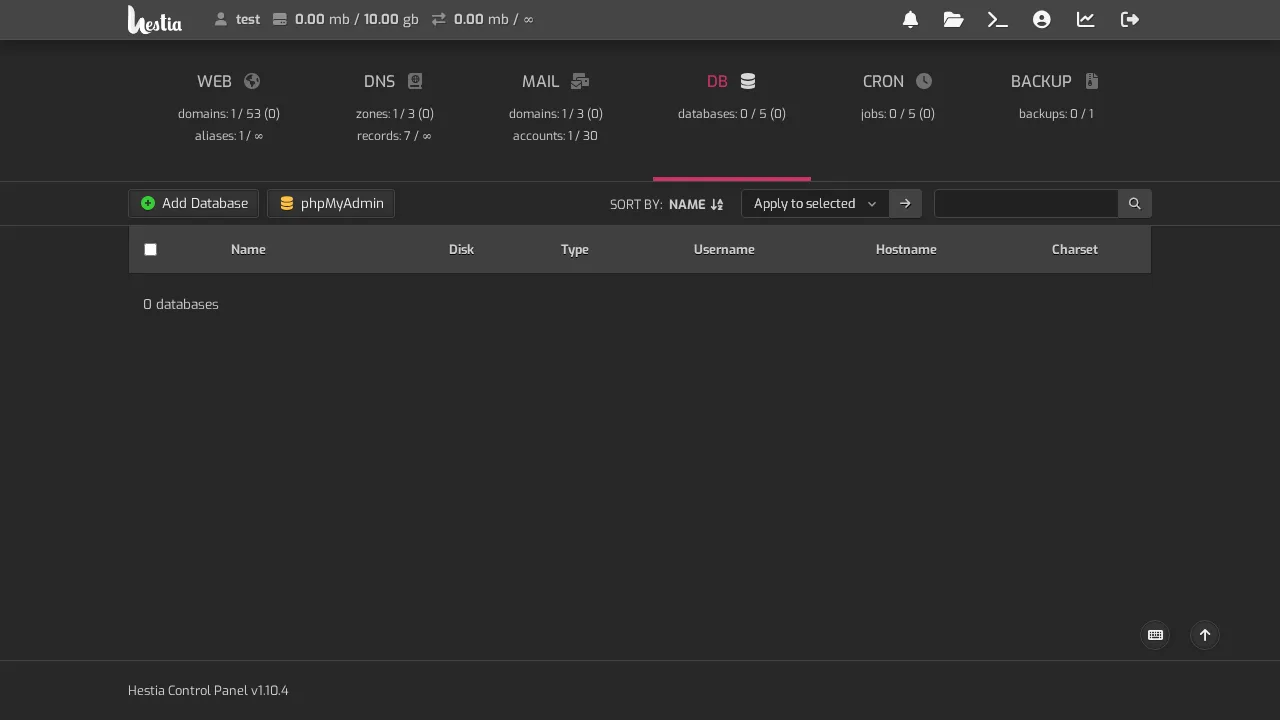
Log in to your control panel and click DB (Databases) in the top menu.
Step 2 — Add a database
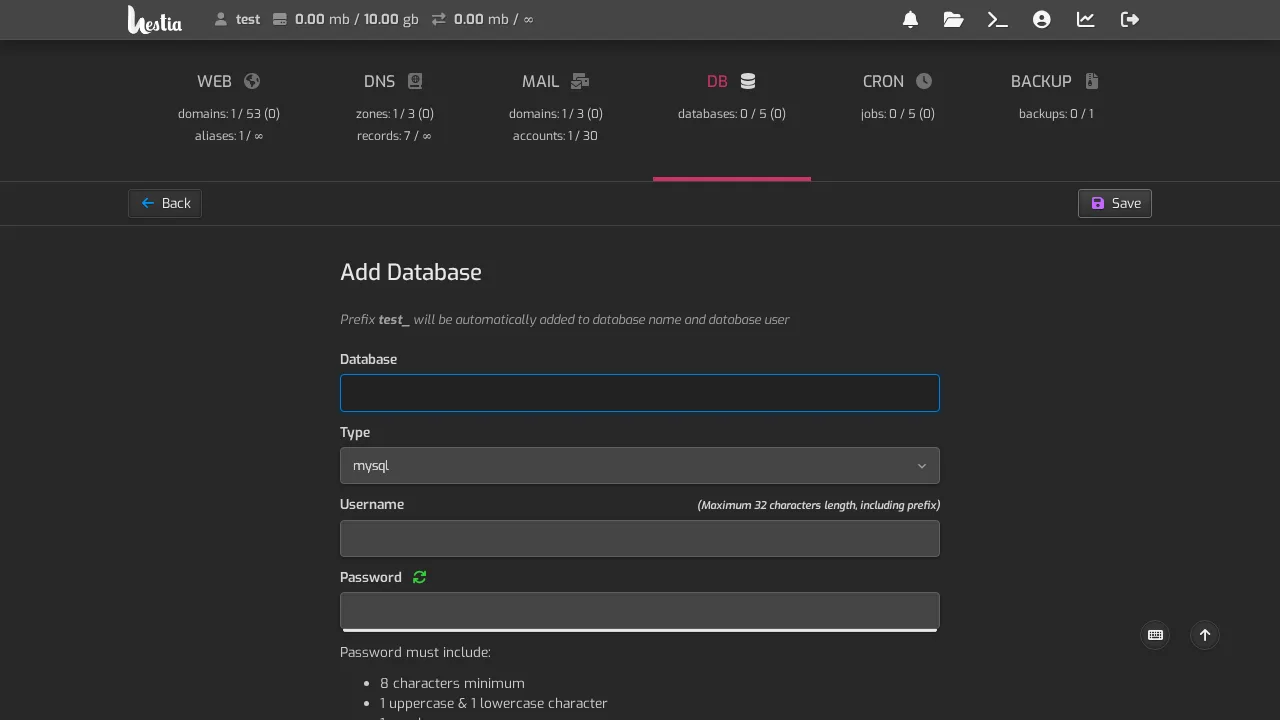
Click Add Database. You'll fill in:
- Database — a name for it (the control panel adds a prefix automatically).
- Type — usually
mysql(leave it as is). - Username — a user for the database (a prefix is added for you).
- Password — a strong one (see Strong passwords).
Step 3 — Save
Click Save. The database and its user are created, and the details are shown or emailed to you.
Connecting your software
When an app asks for database details, you'll typically enter:
- Database name — the full name including the prefix
- Username — the full username including the prefix
- Password — the one you set
- Hostname — usually
localhost
The prefix is important. The control panel adds a prefix (like
test_) to your database and user names so they're unique. Always use the full name with the prefix when connecting.