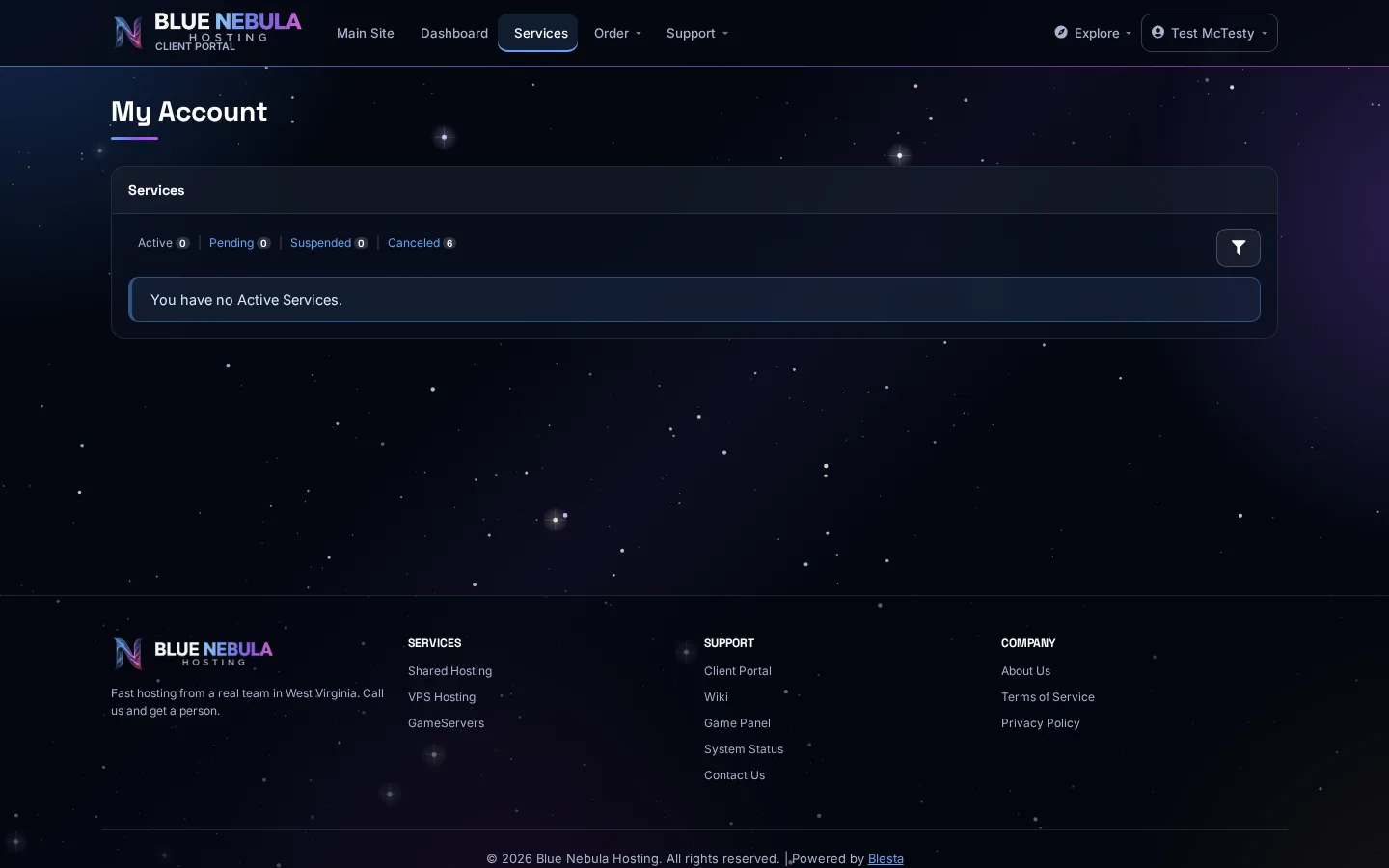
Tour Your Account Area
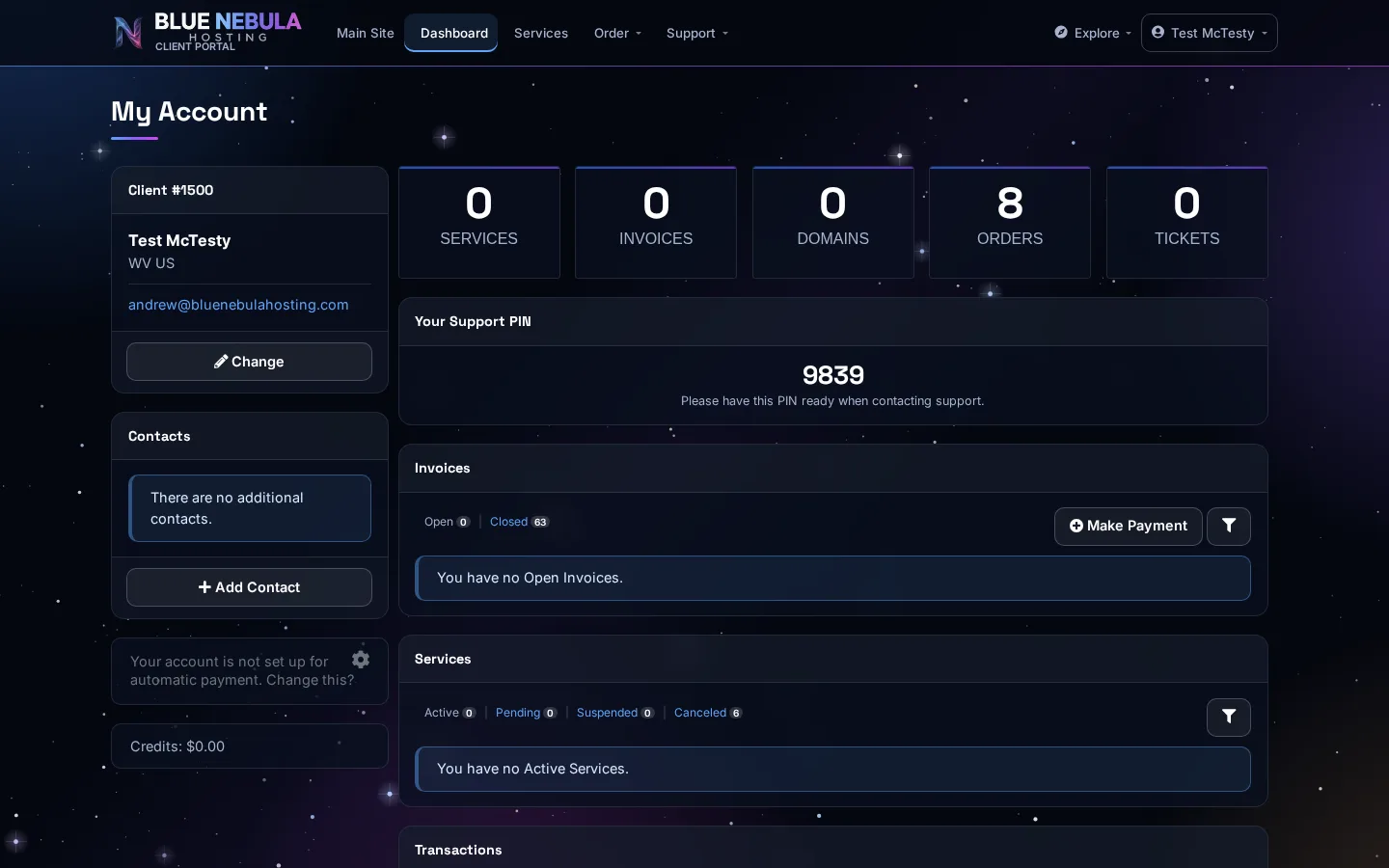
Your account area (also called your client area) is the front desk of your hosting. It's where you manage the business side of things: paying bills, opening tickets, and checking what services you've got.
The main sections
| Section | What it's for |
|---|---|
| Dashboard | A quick overview of your services, open tickets, and anything due soon |
| Services | Everything you've ordered — hosting, domains, add-ons — with their status and renewal dates |
| Invoices | Bills you can view and pay online |
| Support / Tickets | Where you ask questions and track answers |
| Account / Profile | Your contact details, password, and payment method |
Why you'll use it
- Pay an invoice before it's overdue
- Check when a service renews
- Ask support a question and keep the reply in one thread
- Update your payment method or billing email
You won't manage your files, email, or domains in the account area — that's the control panel. Think of the account area as the office and the control panel as the workshop.
Seeing your services
Click Services in the menu. You'll see a list of everything you've ordered, with its status, what it renews for, and a Manage link.