Tour Your Control Panel
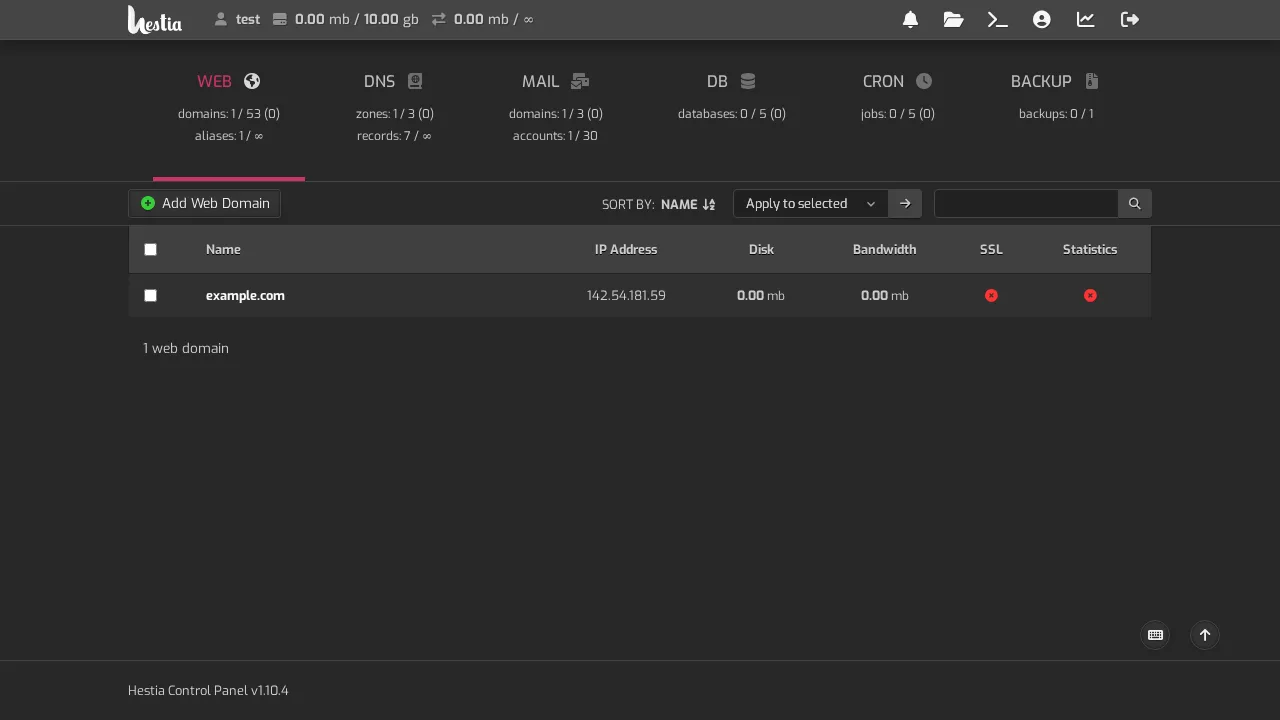
Your control panel is the workshop. This is where the real work happens: creating websites, adding email addresses, setting up databases, and pointing domains.
The main sections
| Section | What it's for |
|---|---|
| Web | Add and manage websites, enable SSL, set up redirects |
| Create email addresses, set passwords, manage mailboxes | |
| Databases | Create databases for your website (e.g. WordPress) |
| DNS | Manage the records that point your domain at your site |
| Backups | Create and restore backups of your account |
How to get there
Your control panel address and login were sent in your welcome email. Bookmark it, and keep the credentials somewhere safe.
A note on the two login areas
You have two logins, and they do different things:
- Account area — the business side (bills, tickets, services)
- Control panel — the technical side (websites, email, domains)
You'll use both, but for different tasks. When in doubt: bills and problems → account area; files and email → control panel.