Domains
Your domain is your website's address — what people type into their browser. This section explains how to point it at your hosting, manage the records behind the scenes, and set up subdomains.
-
📖 What is a domain name? --- The plain-language basics of domains and DNS.
-
📍 What is an IP address? --- The unique address behind every website.
-
🧭 What is DNS? --- The internet's address book, explained simply.
-
🎯 Point your domain --- Make your domain show your hosting.
-
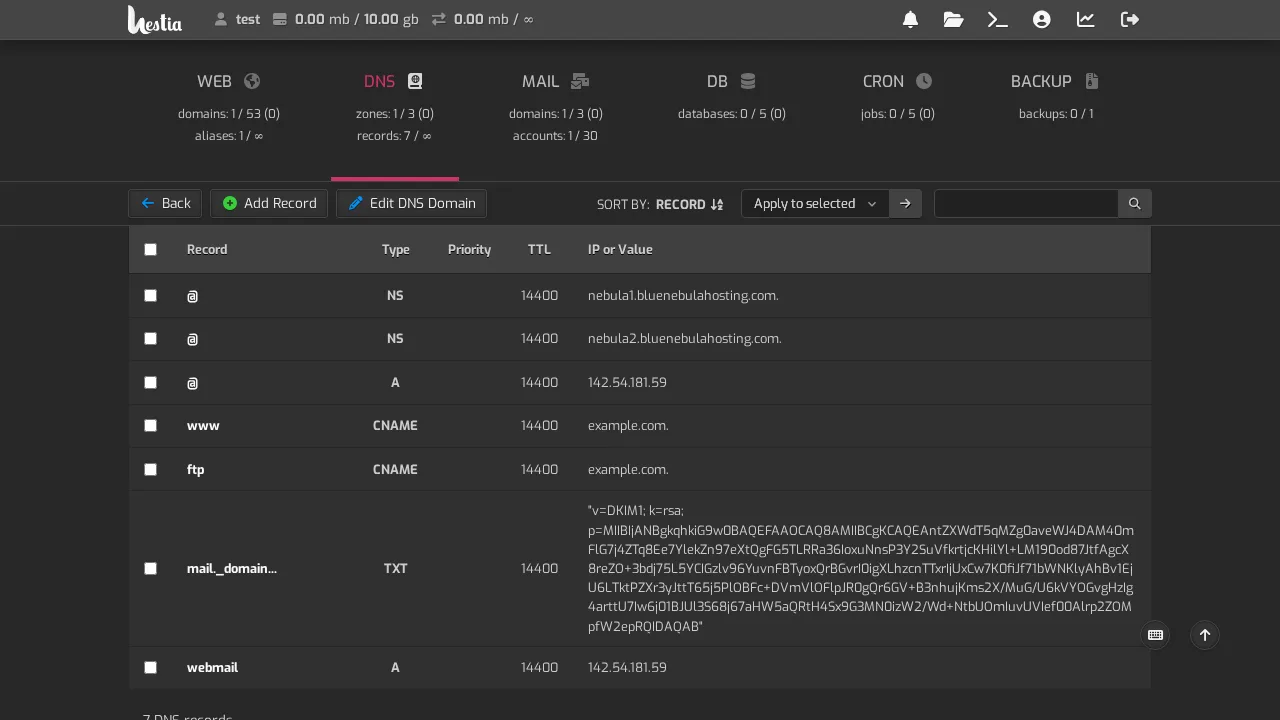
📋 The complete guide to DNS records --- A, CNAME, MX, TXT, and more — what each one does.
-
🗂 Nameservers explained --- The phone book for your domain.
-
🚨 DNS not working --- Domain won't load? Here's how to diagnose it.
-
🌱 Use a subdomain --- Like
blog.yourdomain.com. -
📦 Transfer a domain --- Move a domain to or from us.
-
✅ Domain transfer checklist --- Everything to do when moving a domain.
-
🛒 Register a domain --- Buy a new domain, step by step.
-
🔁 Renew a domain --- Keep your domain — don't let it lapse.
What is DNS, in plain terms?
DNS is the address book of the internet. When someone types yourdomain.com, DNS looks up the address and sends them to the right server. It sounds technical, but for most customers you'll only touch it to point a domain or verify something.