Pay an Invoice
When a service is due for renewal, we send you an invoice. Paying it online takes a couple of minutes.
Step 1 — Open your invoices
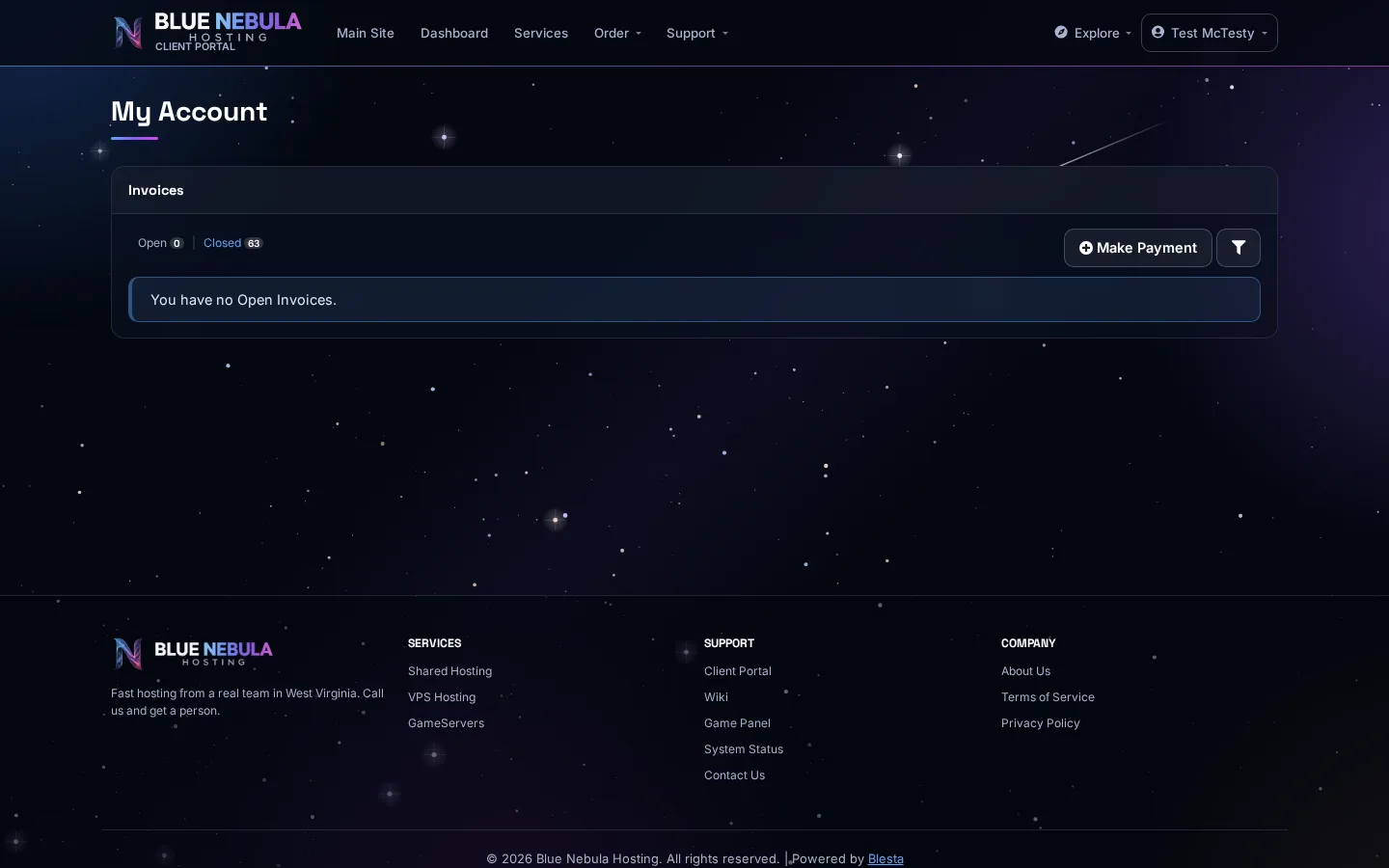
Log in to your account area and go to Invoices (sometimes labeled Billing). You'll see your open and paid invoices.
Step 2 — Find the invoice
Look for the invoice marked Open or Unpaid. Click it to view the details.
Step 3 — Make a payment
Click Make Payment or Pay Now. Choose your payment method and confirm. If you have an invoice for $0 (for example, a trial or a discount), it may already be settled.
Need to pay multiple invoices? Some account areas let you select several invoices and pay them together in one go.
What happens after you pay
The invoice is marked Closed and your service's renewal date is updated. You'll get a receipt by email.
Missed a payment? If a service got suspended because of an unpaid invoice, pay it and contact support — we'll usually get you back online quickly.