Renewals Explained
Every service — hosting, domains, add-ons — runs for a set period and then renews. Here's how it works, in plain language.
How it works
When you order a service, you choose a term (for example, monthly or yearly). When that term ends, the service renews and we generate an invoice. If you've set up a payment method, that invoice is paid automatically.
What "date renews" means
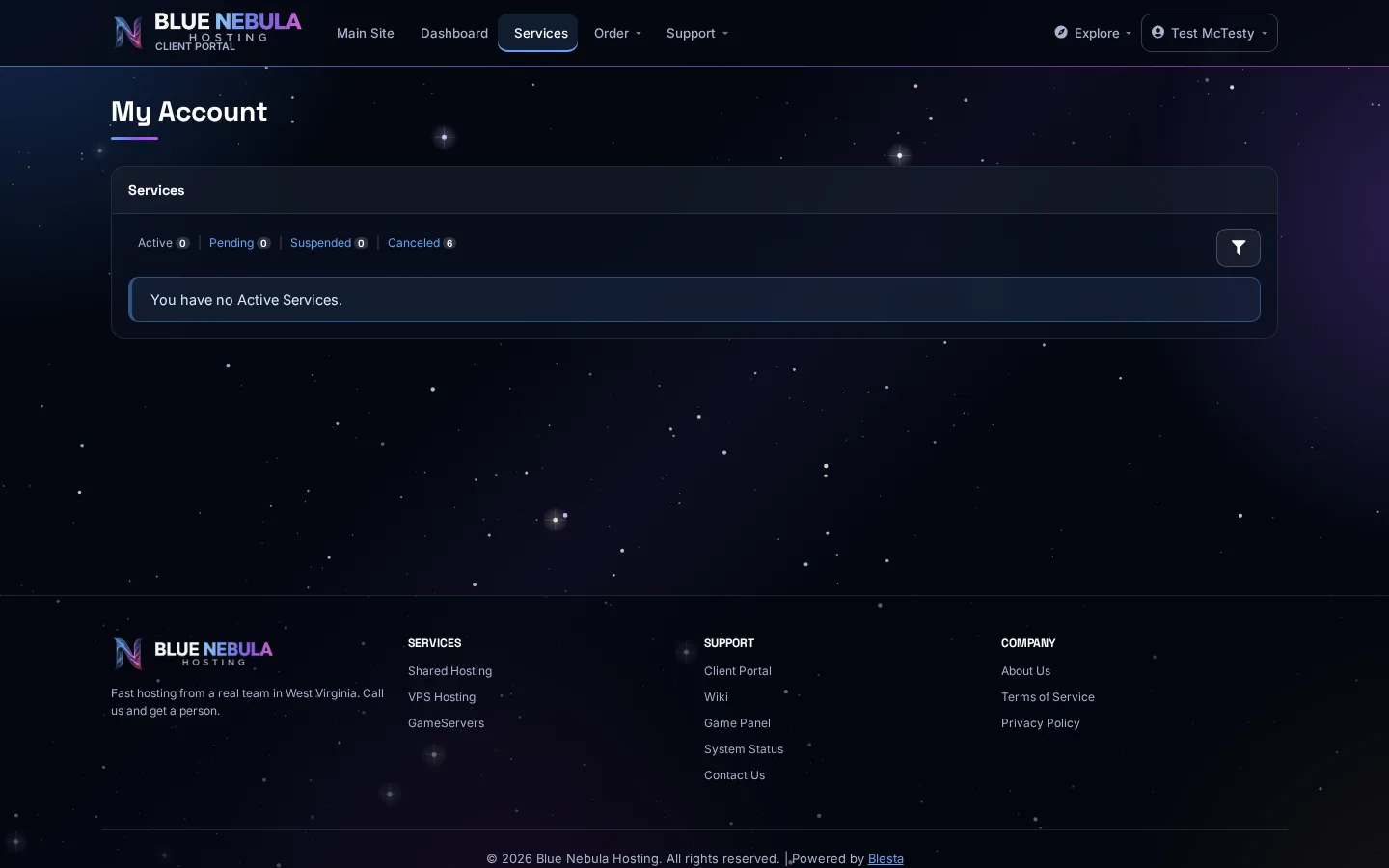
On your Services page, each service shows a Date Renews — the day it renews. You can see this at a glance before it sneaks up on you.
What you can do
- Let it renew — the easiest option; your payment method handles it.
- Split it — nothing to do unless something changes.
- Cancel — if you don't want a service anymore, cancel it before the renewal date so you aren't billed again.
What happens if a renewal is missed
If an invoice isn't paid (often because a card expired), the service may be suspended. Pay the invoice and contact support, and we'll usually restore it quickly.
Best habit: Keep a valid payment method on file — see Update payment method — so renewals stay automatic and you don't lose service.